

As an Amazon Associate we earn from qualifying purchases.
Last updated: October 2026
You don’t need to spend a fortune to play modern games well. The best gaming laptop under $1000 in 2026 delivers something that would have cost $1,400 just three years ago: a current-generation RTX GPU with DLSS 4, a high-refresh display, and a CPU that won’t bottleneck your games.
This price bracket is fiercely competitive, which is good news for buyers — but it also means manufacturers cut corners in creative places. Some $899 laptops hide a 45W GPU behind an impressive model name; others pair a decent graphics card with a dim, washed-out screen. This guide exists to steer you past those traps. Every pick below was chosen for honest price-to-performance, and every “con” is something we think you should know before clicking buy.
A note on our numbers: we don’t run a hardware lab. Frame-rate references below are typical figures drawn from manufacturer specifications and benchmarks published by reputable reviewers — used to illustrate what each GPU class can do, not presented as our own test results.
New to laptop shopping? Start with our gaming laptop buying guide — GPUs, CPUs, RAM, displays and cooling explained in plain English.
🛒 Black Friday 2026: Waiting for a deal? See our Black Friday & Cyber Monday deals watchlist — the 10 laptops most likely to drop, with expected sale prices.
Quick Comparison
| Laptop | GPU | CPU | Display | Price | Best For |
|---|---|---|---|---|---|
| Lenovo LOQ 15 | RTX 5050 8GB | Intel Core i7-13650HX | 15.6″ FHD 144Hz | $849 | Best Overall |
| Acer Nitro V 16 | RTX 4050 8GB | Intel Core i7-14650HX | 16″ WUXGA 165Hz | $799 | Best Big-Screen Value |
| ASUS TUF Gaming A16 | RTX 4060 8GB | AMD Ryzen 7 7735HS | 16″ WUXGA 165Hz | $949 | Best Performance |
| HP Victus 15 | RTX 4050 8GB | Intel Core i5-13420H | 15.6″ FHD 144Hz | $749 | Best Battery Life |
| MSI Katana 15 | RTX 4060 8GB | Intel Core i7-14650HX | 15.6″ FHD 144Hz | $899 | Best for Esports |
| Dell G15 5530 | RTX 4050 8GB | Intel Core i5-13450HX | 15.6″ FHD 120Hz | $849 | Best Build Quality |
| Gigabyte G6 | RTX 4050 8GB | Intel Core i7-13620H | 16″ WUXGA 165Hz | $699 | Best Budget Pick |
What $1,000 Gets You in 2026
Let’s set expectations honestly, because this is where most buyers go wrong.
What you get: Smooth 1080p gaming at medium-to-high settings in virtually all modern titles. With DLSS enabled (and every GPU on this list supports it), expect 60–90 fps in demanding AAA games like Cyberpunk 2077 or Alan Wake 2, and 120+ fps in competitive titles like Valorant, CS2, and Fortnite. You also get a 144Hz+ display on every pick here — non-negotiable for gaming in 2026.
What you don’t get: Comfortable 1440p ultra-settings gaming, premium aluminum chassis, all-day battery life, or color-accurate screens for professional creative work. Ray tracing is usable but you’ll lean on DLSS to keep frame rates up.
The GPU hierarchy at this price: The RTX 5050 (newest, DLSS 4 with Multi Frame Generation) and RTX 4060 (last-gen but often higher wattage) trade blows depending on the specific laptop’s power budget. The RTX 4050 is a step down but still very capable at 1080p — and often $100–150 cheaper, which matters here. Avoid anything still selling GTX 1650 or RTX 3050 graphics at “gaming laptop” prices in late 2026; they’re obsolete value.
The wattage trap: Two laptops can both say “RTX 4060” while one runs it at 140W and the other at 75W — a 20%+ real-world performance gap. We note TGP for every pick below because it matters more than almost any other spec at this price.
The 7 Best Gaming Laptops Under $1000
1. Lenovo LOQ 15 — Best Overall
The LOQ 15 is the safest $849 you can spend on a gaming laptop in 2026. Lenovo essentially took the Legion’s cooling philosophy, put it in a simpler plastic chassis, and priced it to embarrass the competition. The RTX 5050 here runs at a healthy power budget, and with DLSS 4 Multi Frame Generation, it punches noticeably above its weight in supported titles — published results show it matching or beating many last-gen RTX 4060 laptops while running cooler.
The 15.6-inch 144Hz display is basic but honest: decent brightness, acceptable colors, fast enough for competitive play. And unlike many budget rivals, the LOQ is easy to open and upgrade — a second SSD slot and accessible RAM slots mean this laptop can grow with you.
- GPU: NVIDIA RTX 5050 8GB (100W TGP)
- CPU: Intel Core i7-13650HX
- RAM: 16GB DDR5 (upgradeable)
- Storage: 512GB PCIe Gen 4 SSD
- Display: 15.6″ FHD IPS, 144Hz, 300 nits
- Weight: 2.38 kg (5.25 lbs)
- Battery: 60Wh
Pros:
- Best price-to-performance under $1,000 right now
- DLSS 4 Multi Frame Generation gives it legs in new titles
- Good thermals — doesn’t throttle like cheaper rivals
- Easy RAM and storage upgrades
Cons:
- All-plastic build; lid has noticeable flex
- 300-nit display is dim for bright rooms
- Speakers are thin and quiet
- 512GB fills up fast — budget for a second SSD
2. Acer Nitro V 16 — Best Big-Screen Value
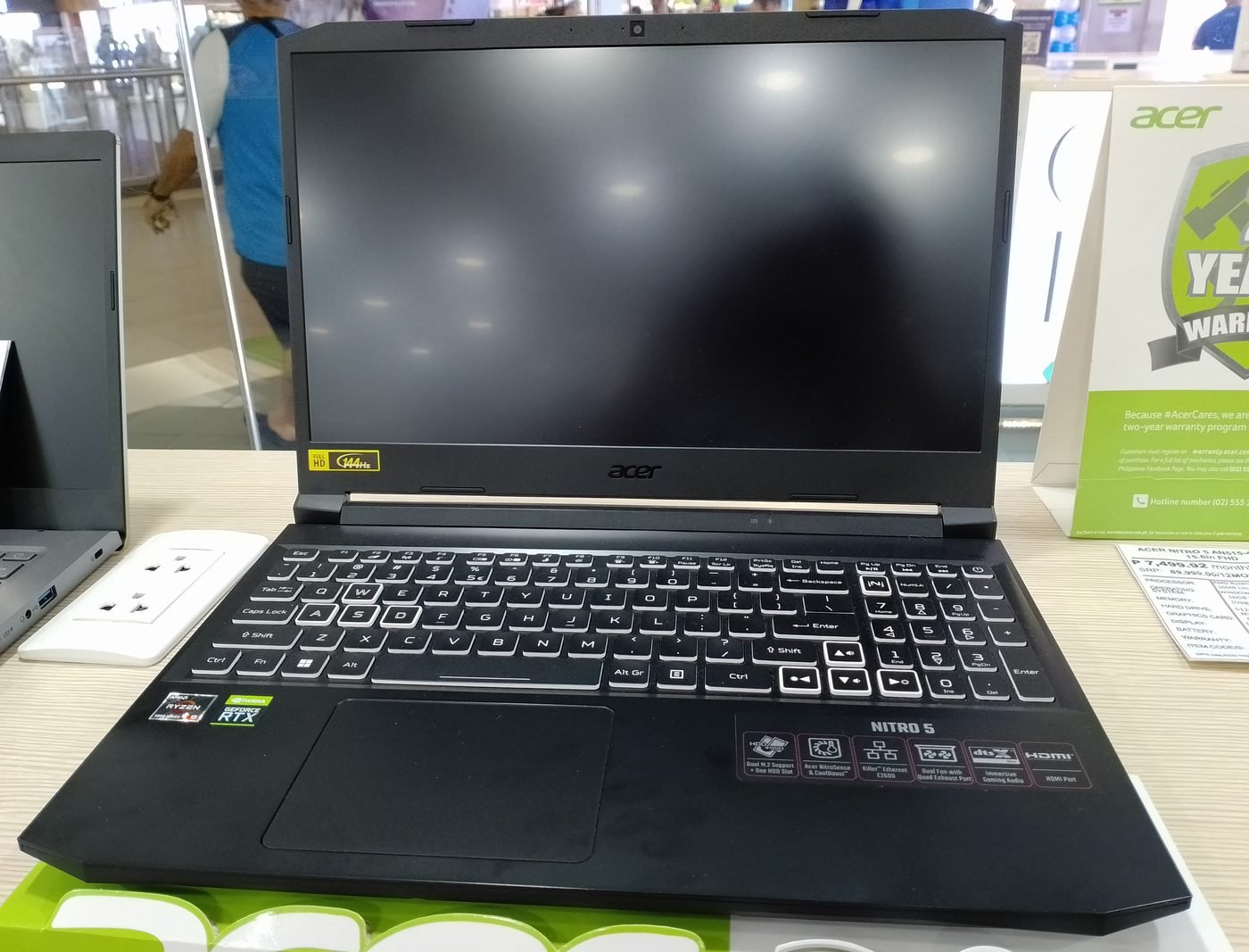
If you want maximum screen for minimum money, the Nitro V 16 is hard to argue with. At $799 you get a 16-inch 165Hz panel — genuinely useful extra space for multitasking, and more immersive for gaming than any 15.6-inch display. The RTX 4050 won’t win benchmark shootouts against the 4060/5050 picks here, but at 1080p with DLSS it’s still a 60+ fps card in AAA titles and far more in esports games.
Acer keeps costs down with an all-plastic chassis and a fair amount of preinstalled software you’ll want to remove on day one. The cooling system, borrowed from the pricier Predator line, is better than this price has any right to expect.
- GPU: NVIDIA RTX 4050 8GB (75W TGP)
- CPU: Intel Core i7-14650HX
- RAM: 16GB DDR5
- Storage: 512GB PCIe Gen 4 SSD
- Display: 16″ WUXGA IPS, 165Hz
- Weight: 2.5 kg (5.5 lbs)
- Battery: 76Wh
Pros:
- 16-inch 165Hz display at $799 is exceptional value
- Comfortable keyboard for long sessions
- Better-than-expected cooling
- Full-size HDMI and good port selection
Cons:
- RTX 4050 is the weakest GPU on this list
- Plastic everywhere; not a premium feel
- Bloatware needs cleaning on first boot
- Display color coverage is mediocre
3. ASUS TUF Gaming A16 — Best Performance
When it’s on sale under $1,000 — which happens regularly — the TUF Gaming A16 is simply the fastest laptop on this list. Its RTX 4060 runs at up to 140W, and in sustained gaming that wattage advantage translates to a real, measurable lead over 75–100W rivals with “better” model names. Published benchmarks put it 15–20% ahead of typical RTX 4050 laptops at 1080p.
Beyond speed, the TUF brings MIL-STD-810H durability certification, a large 90Wh battery (rare under $1,000), and ASUS’s generally reliable build quality. The Ryzen 7 7735HS is last-gen but still more than enough for gaming, and its efficiency helps battery life.
- GPU: NVIDIA RTX 4060 8GB (140W TGP)
- CPU: AMD Ryzen 7 7735HS
- RAM: 16GB DDR5 (upgradeable)
- Storage: 512GB PCIe Gen 4 SSD
- Display: 16″ WUXGA IPS, 165Hz
- Weight: 2.2 kg (4.85 lbs)
- Battery: 90Wh
Pros:
- Fastest GPU performance under $1,000 when discounted
- Full 140W TGP — no wattage games
- Huge 90Wh battery for the price
- Durable, military-tested chassis
Cons:
- Regular price sits above $1,000 — buy on sale
- Last-gen CPU (fine for gaming, less future-proof)
- No USB4/Thunderbolt; webcam is basic
- Design is plain
4. HP Victus 15 — Best Battery Life
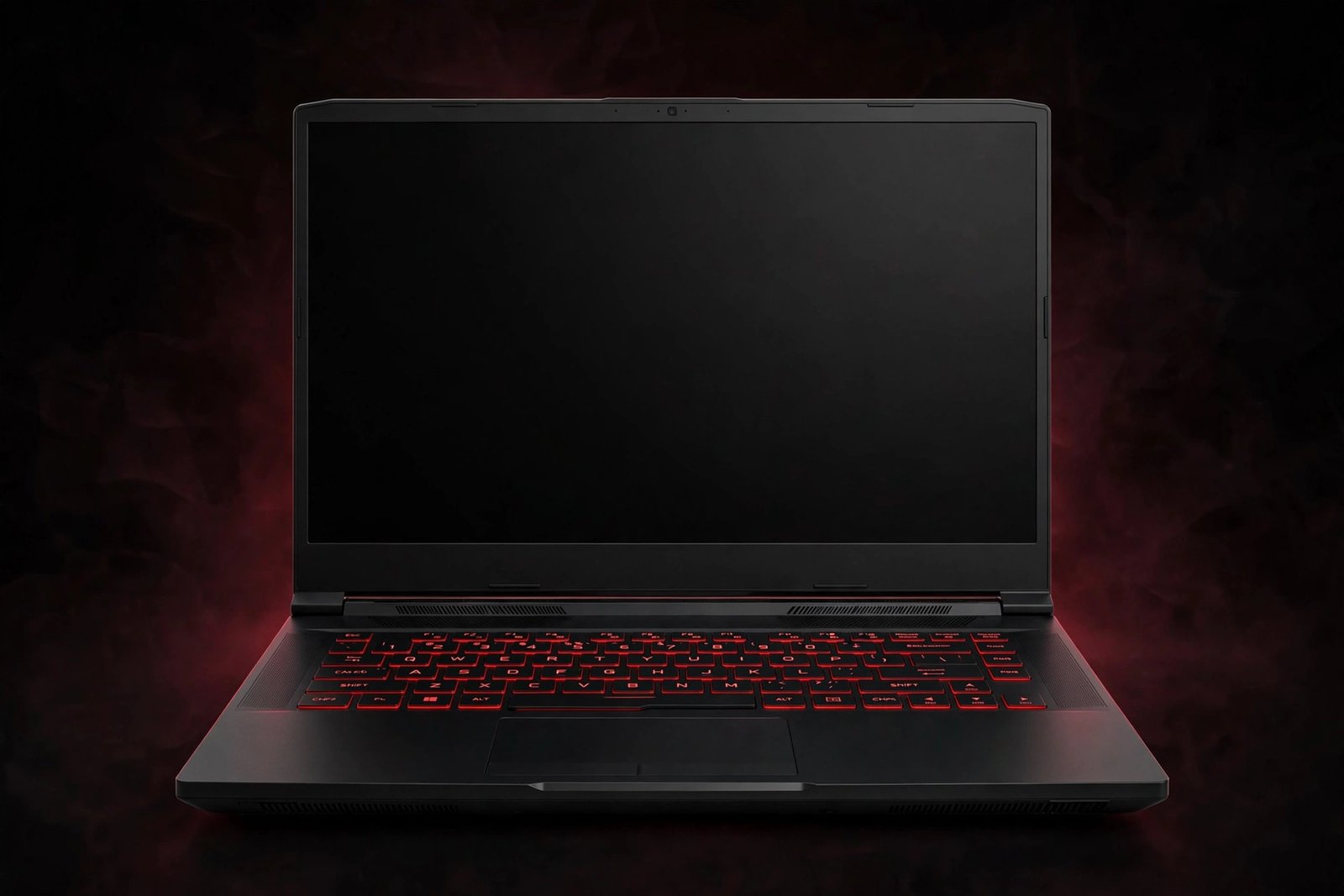
Gaming laptops are notoriously bad unplugged, but the Victus 15 is the least-bad of the budget bunch. Its efficient Intel Core i5-13420H and 70Wh battery stretch to 6–7 hours of light productivity — enough for a school day of notes and browsing, with gaming reserved for when you’re near an outlet. At $749 it’s also one of the cheapest entries here.
The RTX 4050 is the same capable 1080p card as in pricier machines, just in a more restrained power envelope. HP’s design is clean and doesn’t scream “gaming laptop,” which students and office workers appreciate. The trade-off is a 144Hz display that’s merely adequate and a chassis that’s functional rather than inspiring.
- GPU: NVIDIA RTX 4050 8GB (75W TGP)
- CPU: Intel Core i5-13420H
- RAM: 16GB DDR5
- Storage: 512GB PCIe Gen 4 SSD
- Display: 15.6″ FHD IPS, 144Hz
- Weight: 2.29 kg (5.05 lbs)
- Battery: 70Wh
Pros:
- Best battery life in the budget class
- Understated design works anywhere
- Very affordable at $749
- Runs cool and quiet in light tasks
Cons:
- 75W GPU is the lower-power 4050 variant
- Display brightness and colors are average
- All-plastic construction
- Only 512GB storage with no second SSD slot on some configs — verify before buying
5. MSI Katana 15 — Best for Esports
Esports titles are CPU-and-frame-rate hungry but not GPU-bound the way AAA games are, which makes the Katana 15’s combination — a full-power RTX 4060 and Intel’s i7-14650HX — ideal for competitive play. Expect 200+ fps in Valorant and CS2 at competitive settings and 144+ in Apex Legends, all displayed on a fast 144Hz panel. At $899 street price, that’s serious competitive performance per dollar.
MSI’s Katana line has always been about frames-per-dollar over finesse. The chassis is basic plastic, the fans get loud when the GPU is unleashed, and the 53.5Wh battery is small. But if your games are competitive shooters and your budget is strict, nothing else here delivers more frames for the money.
- GPU: NVIDIA RTX 4060 8GB (105W TGP)
- CPU: Intel Core i7-14650HX
- RAM: 16GB DDR5
- Storage: 512GB PCIe Gen 4 SSD
- Display: 15.6″ FHD IPS, 144Hz
- Weight: 2.25 kg (4.96 lbs)
- Battery: 53.5Wh
Pros:
- Excellent high-fps esports performance
- Strong CPU for streaming while gaming
- Often discounted below $900
- 4-zone RGB keyboard
Cons:
- Loud fans under load
- Flimsy-feeling hinge and lid
- Small battery — keep the charger handy
- 512GB SSD fills quickly
6. Dell G15 5530 — Best Build Quality
Dell doesn’t chase the lowest price, and it shows in the G15’s favor. The chassis is noticeably more solid than most budget rivals, the keyboard has good travel, and Dell’s thermals — with dual fans and copper heat pipes — keep the RTX 4050 running at consistent clocks. If you’ve ever had a cheap laptop develop a wobbly hinge or creaky palm rest within a year, the G15’s sturdiness is worth the small premium.
The compromises: a 120Hz display (fine, but 144Hz is the 2026 standard), a heavier 2.81 kg frame, and Dell’s higher typical pricing — buy this one on sale, when it regularly drops to $849. Warranty and support are also a cut above the budget competition, which matters if this is a gift or a first laptop.
- GPU: NVIDIA RTX 4050 8GB (90W TGP)
- CPU: Intel Core i5-13450HX
- RAM: 16GB DDR5
- Storage: 512GB PCIe Gen 4 SSD
- Display: 15.6″ FHD IPS, 120Hz
- Weight: 2.81 kg (6.2 lbs)
- Battery: 56Wh
Pros:
- Sturdier build than most budget gaming laptops
- Consistent thermals, no throttling surprises
- Good keyboard with decent travel
- Better warranty/support than budget rivals
Cons:
- Only 120Hz display when 144Hz is standard
- Heavy at 2.81 kg
- Rarely the cheapest option — wait for sales
- Mediocre battery life
7. Gigabyte G6 — Best Budget Pick
At $699, the Gigabyte G6 is the cheapest legitimate gaming laptop we’d recommend in 2026. “Legitimate” is doing work in that sentence: you still get a real RTX 4050, a 16-inch 165Hz display, and 16GB of RAM. That’s a combination that simply didn’t exist at this price two years ago, and it plays modern AAA titles at 1080p medium-high settings at 60 fps with DLSS.
Gigabyte cuts costs aggressively: the chassis is plain, the webcam is bad, battery life is poor, and the speakers are an afterthought. Thermals are adequate rather than impressive. But as a first gaming laptop, a gift, or a secondary machine, the G6’s value is undeniable — just go in with eyes open about what $699 buys.
- GPU: NVIDIA RTX 4050 8GB (75W TGP)
- CPU: Intel Core i7-13620H
- RAM: 16GB DDR5
- Storage: 512GB PCIe Gen 4 SSD
- Display: 16″ WUXGA IPS, 165Hz
- Weight: 2.5 kg (5.5 lbs)
- Battery: 73Wh (real-world life is short)
Pros:
- Lowest price for a true RTX gaming laptop
- Big 16-inch 165Hz display included
- Plays all modern games at 1080p with DLSS
- Upgradeable RAM and storage
Cons:
- Plain, plasticky design
- Poor battery life in real use
- Weak speakers and webcam
- Runs warm; fan noise is noticeable
RTX 4050 vs RTX 4060 vs RTX 5050 at This Price
This is the question every sub-$1,000 buyer asks, so let’s answer it directly.
RTX 5050 is the newest architecture with DLSS 4 Multi Frame Generation — the only card here that can multiply frames in supported titles. In raw rasterization it’s roughly on par with the RTX 4060, but frame generation gives it a meaningful edge in newer games. If the laptop gives it 95W+, it’s our preferred pick at this price.
RTX 4060 is last-gen but mature, widely discounted, and often sold in higher-wattage configurations (105–140W) that beat lower-power 5050 laptops. If you find a full-power 4060 machine on clearance under $950, it’s arguably the best value in this entire guide.
RTX 4050 is a half-step down — roughly 20–25% slower than the 4060 in most titles — but laptops carrying it are often $100–200 cheaper. At 1080p with DLSS Quality mode, it still clears 60 fps in AAA games. It’s the right choice when budget is absolute.
The real rule: a high-wattage RTX 4060 beats a low-wattage RTX 5050, and a high-wattage 5050 beats everything else here. Check the TGP in the spec sheet before comparing model numbers — it’s the most important number on the page.
Buying Tips for Budget Gaming Laptops
- Never buy 8GB RAM in 2026. Some listings still show 8GB configurations to hit a price point. 16GB is the minimum; if the laptop has only 8GB soldered with no slot, walk away.
- Verify the SSD size and slots. 512GB is workable if there’s a second slot for later. A single 256GB drive with no expansion is a trap.
- Check the display brightness. Budget panels range from 250 to 300 nits. If you’ll ever use it near a window, favor 300 nits.
- Consider refurbished and open-box. Manufacturer-refurbished units from Lenovo, Dell, and HP outlets can knock 15–25% off, often with full warranties. Last-gen RTX 4060 models on clearance are the sweet spot.
- Student and seasonal discounts matter. Back-to-school (August) and Black Friday (November) routinely drop these models $100–200. If you can wait, wait.
- Budget $0 for antivirus upsells, $30 for a cooling pad. Retailers love attaching junk warranties. A simple laptop cooling pad does more for thermals than any software.
- Read the return policy. Panel quality varies unit to unit at this price (backlight bleed, dead pixels). Buy from sellers with painless 30-day returns.
Further reading: gaming laptop buying guide · best gaming laptops under $800 · best gaming laptops under $1,500
Frequently Asked Questions
Can you get a good gaming laptop for under $1000 in 2026?
Yes — this is actually the golden age of budget gaming laptops. For $700–$1,000 you get an RTX 4050/4060/5050 GPU, a 144Hz+ display, and 16GB of RAM, which handles 1080p gaming at 60+ fps in modern AAA titles with DLSS. The compromises versus pricier machines are build quality, screen brightness, and battery life — not gaming performance.
Is the RTX 4050 still worth it in 2026?
Yes, at the right price. The RTX 4050 remains a capable 1080p card, delivering 60+ fps in AAA games with DLSS. It's worth buying when the laptop costs $150+ less than RTX 4060/5050 alternatives. Don't pay near-$1,000 for a 4050 machine when 4060 models sit at the same price.
How much RAM do I need in a budget gaming laptop?
16GB, in dual-channel configuration (2×8GB). This is non-negotiable in 2026 — 8GB causes stuttering in modern titles and Windows itself. Every pick in this guide has 16GB or an easy upgrade path.
Should I buy a laptop with RTX 4060 or wait for RTX 5050 models?
Buy based on price and wattage, not the model year. A discounted full-power RTX 4060 laptop at $899 beats a low-wattage RTX 5050 at $999. But at equal prices, the 5050's DLSS 4 Multi Frame Generation makes it the better long-term choice.
Are budget gaming laptops good for school work too?
Absolutely — with caveats. They're powerful enough for any school software, but they're heavier than ultrabooks and battery life is typically 4–6 hours. The HP Victus 15 and ASUS TUF A16 are the best compromises here thanks to larger batteries and restrained designs.
What should I avoid when buying a cheap gaming laptop?
Avoid GTX 1650/RTX 3050 machines sold as 'gaming laptops' in 2026, any configuration with 8GB soldered RAM, 250-nit displays if you work near windows, and no-name brands with no service network. Also verify the GPU wattage — a famous GPU name at 45W is marketing, not performance.
Final Verdict
The Lenovo LOQ 15 is our top pick for the best gaming laptop under $1000 in 2026 — it nails the fundamentals (current-gen GPU with DLSS 4, 144Hz display, good thermals, upgradeable) at $849. If you want maximum screen size, the Acer Nitro V 16 at $799 is unbeatable value; if you want maximum frames, catch the ASUS TUF Gaming A16 on sale.
Whatever you choose, remember the two rules of budget buying: check the GPU wattage, and never settle for 8GB of RAM. Do that, and any laptop on this list will serve you well for years.

admin
Hardware-obsessed reviewer covering gaming laptops, GPUs and the deals worth your money.